MAKE AN ENTRANCE
A little movement. A lasting impression.
Bring attention to the moments that matter. Explore ready-made motion layouts, then shape entrances, scrolling, hover and loop effects in the editor.
7 built-in motion starting layouts01
Choose entrance, scroll, hover and loop effects.
02
Adjust the movement and timing for your content.
03
Preview motion and keep accessibility preferences in mind.
LOOK AROUND. FIND YOUR STARTING POINT.
See what you could make.
Explore the real examples. Your words, images and finishing touches come next.
Now exploringParallax
Choose a starting layout
7 built in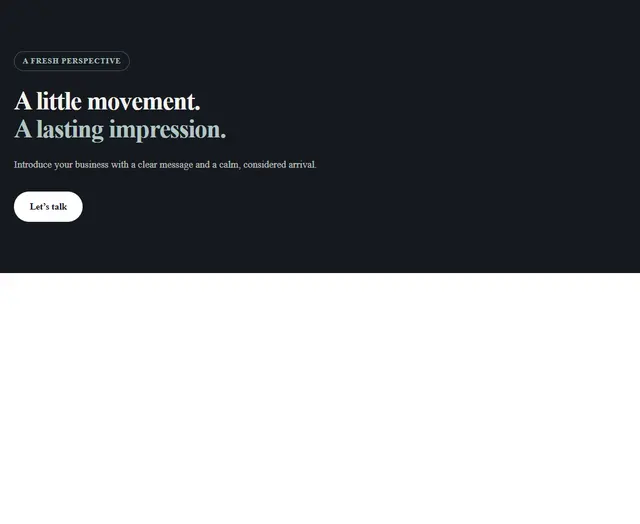 HeroExplore layout
 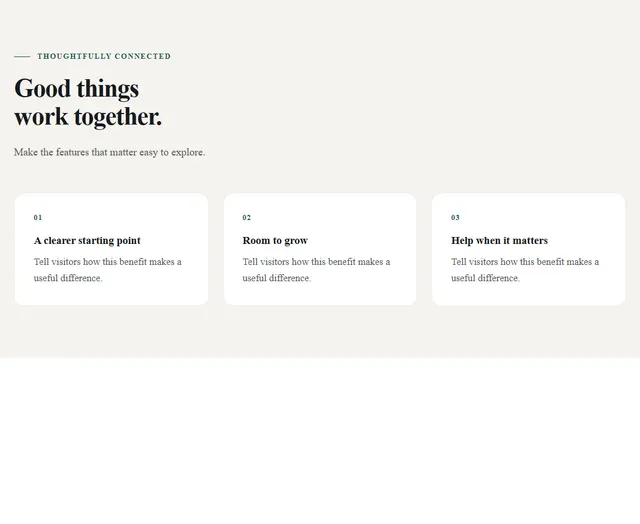 CardsExplore layout
 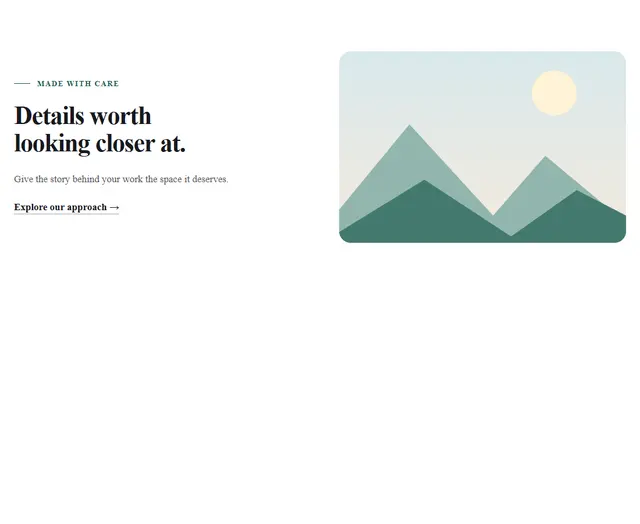 ParallaxExplore layout
 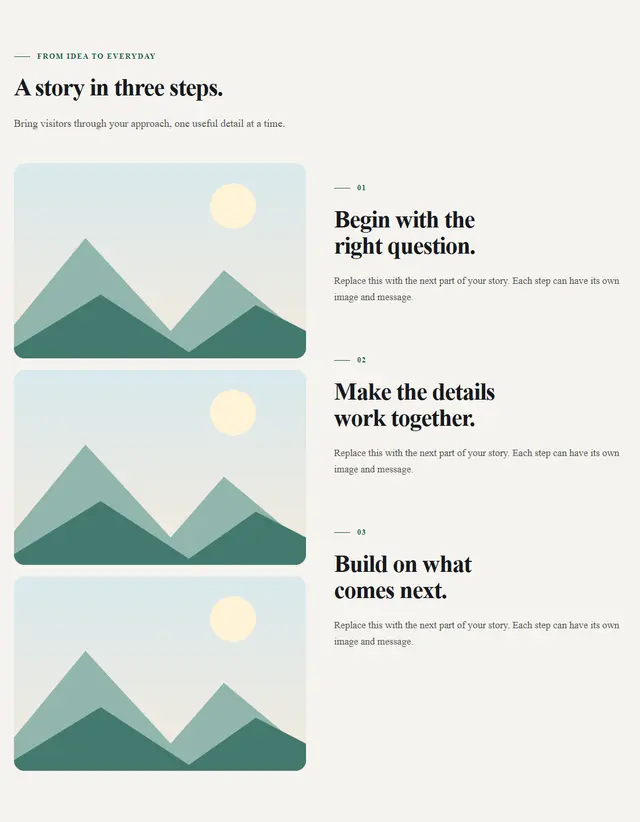 StoryExplore layout
 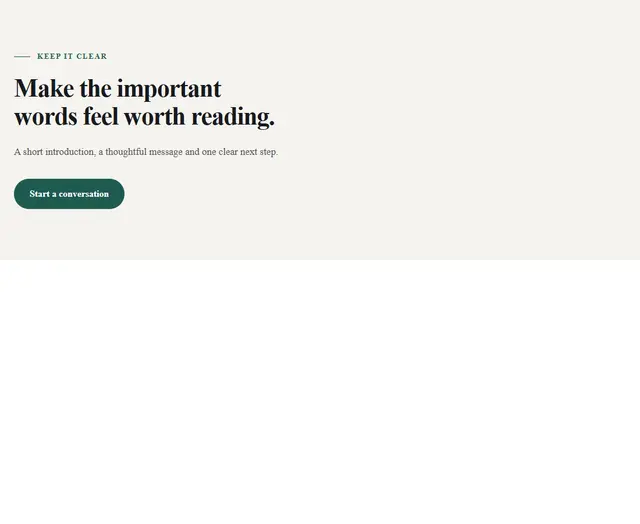 WordsExplore layout
 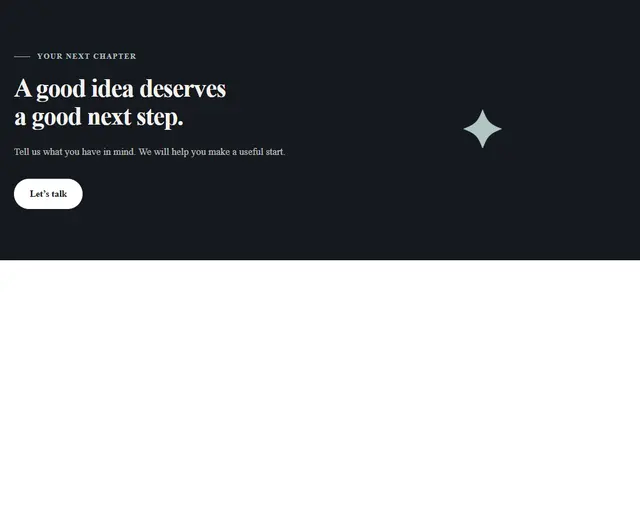 CtaExplore layout
 See all 7 starting layouts
- Select an area on your page.
- Open Motion and choose an effect.
- Adjust its settings, then replay the result.
YOUR NEXT IDEA STARTS HEREMake something
Make something
worth exploring.
Start with a layout. Add your own words, images and imagination.