MAKE THE MOMENT COUNT
Build a little anticipation.
A launch, an event or a date worth waiting for. Give it a countdown with a look that fits your page, from a quiet announcement to a bold centrepiece.
10 built-in countdown layouts01
Set the end date, time and time zone.
02
Choose a presentation that fits your announcement.
03
Decide what visitors see when the countdown finishes.
LOOK AROUND. FIND YOUR STARTING POINT.
See what you could make.
Explore the real examples. Your words, images and finishing touches come next.
Now exploringLaunch
Choose a starting layout
10 built in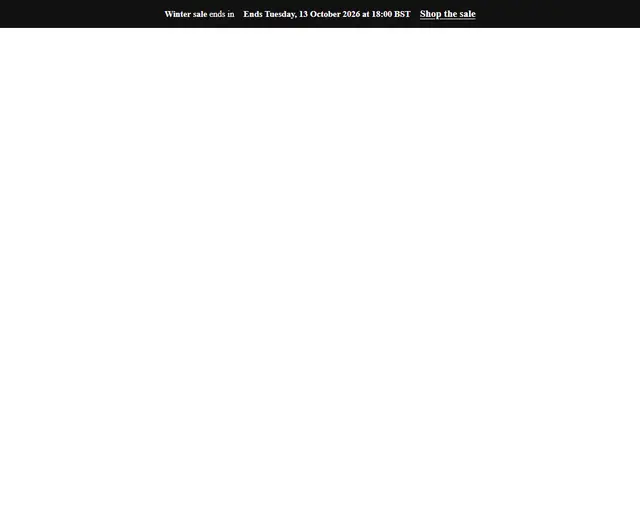 Bar DarkExplore layout
 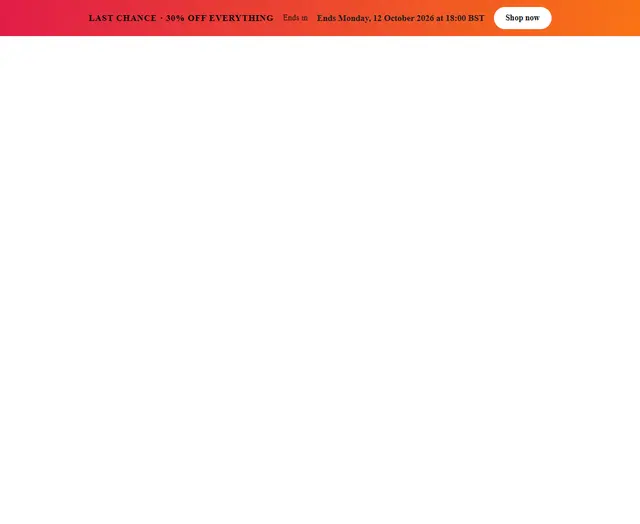 Bar SaleExplore layout
 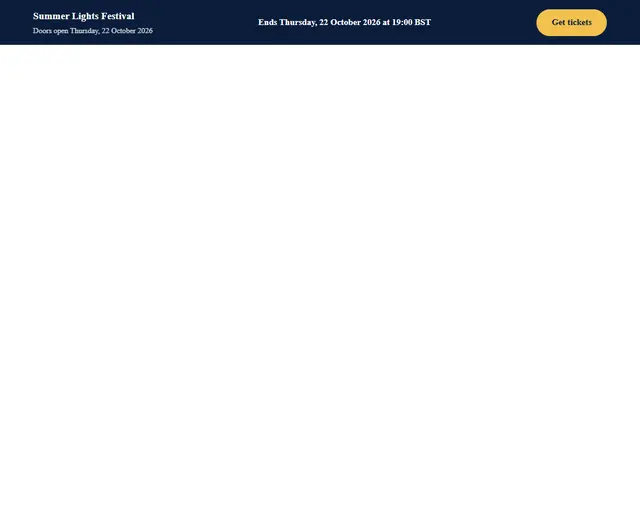 Bar EventExplore layout
 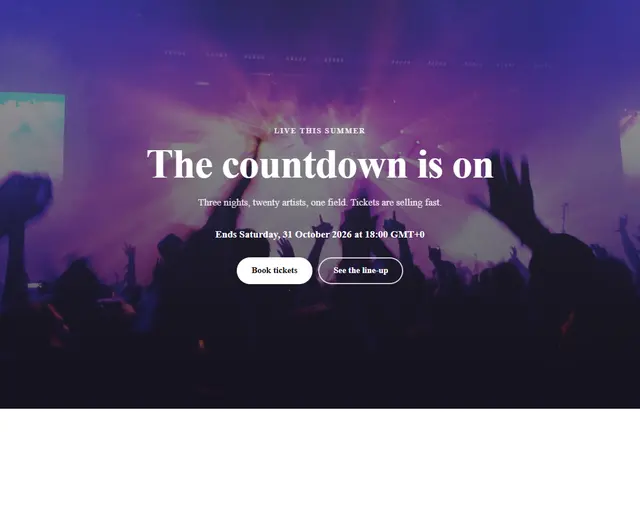 Hero PhotoExplore layout
 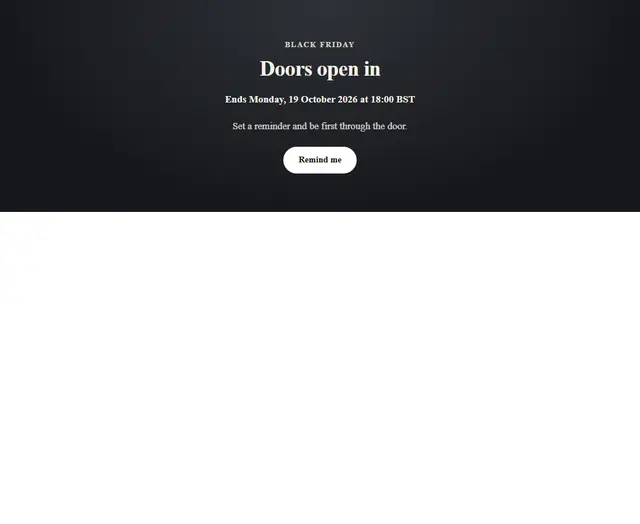 FlipExplore layout
 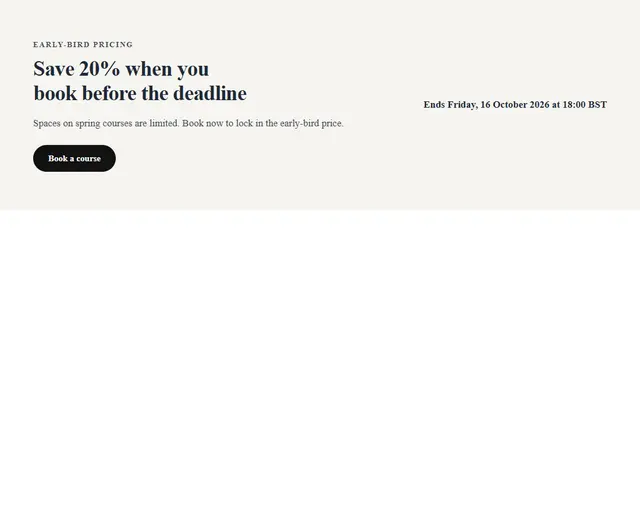 RingsExplore layout
 See all 10 starting layouts
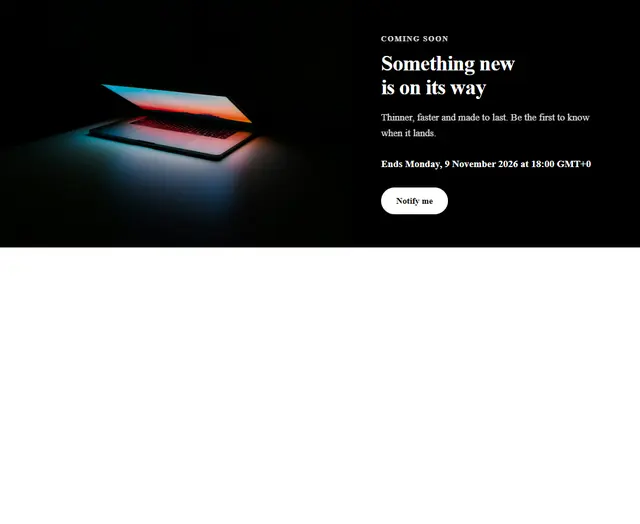
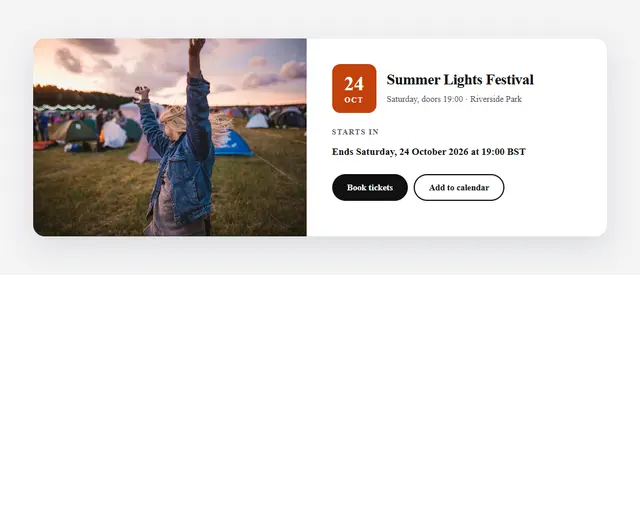
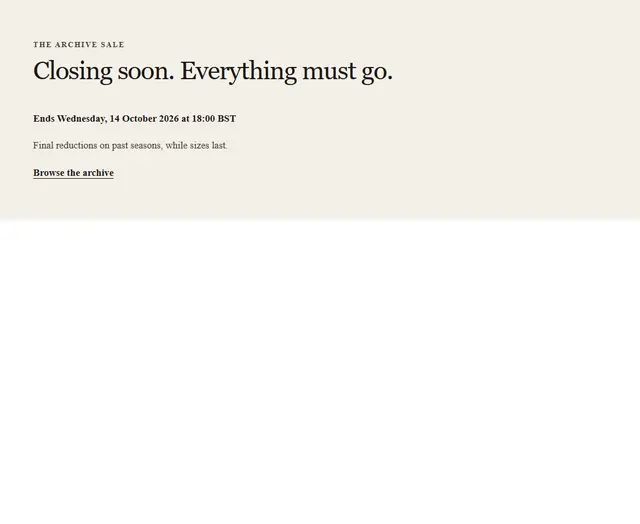
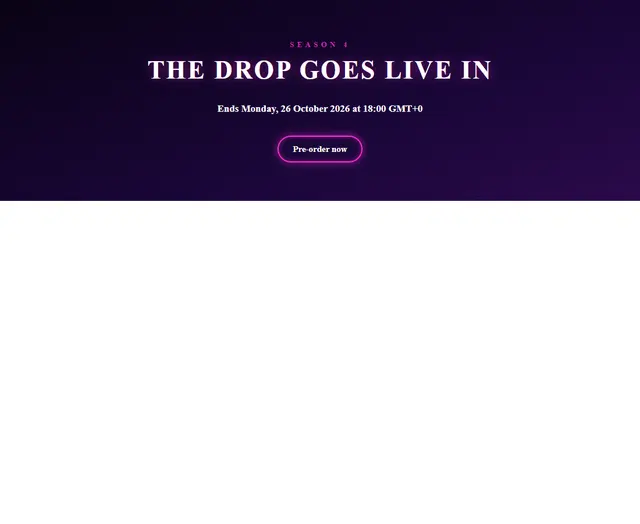
- Add a countdown from Useful features.
- Set your date and choose how the clock should appear.
- Preview the countdown and its end-of-event behaviour.
YOUR NEXT IDEA STARTS HEREMake something
Make something
worth exploring.
Start with a layout. Add your own words, images and imagination.