A LITTLE IMAGINATION. A BIG STORY.
Make a scene. Tell your story.
Give your ideas a cast, a setting and a voice. Arrange illustrated panels, shape the dialogue and make a comic that is unmistakably yours.
7 built-in comic layouts01
Choose a complete comic or start with a panel arrangement.
02
Change artwork, dialogue, speech bubbles and captions.
03
Arrange pages and preview your story in the comic reader.
LOOK AROUND. FIND YOUR STARTING POINT.
See what you could make.
Explore the real examples. Your words, images and finishing touches come next.
Now exploringThe Last Light complete comic
Choose a starting layout
7 built in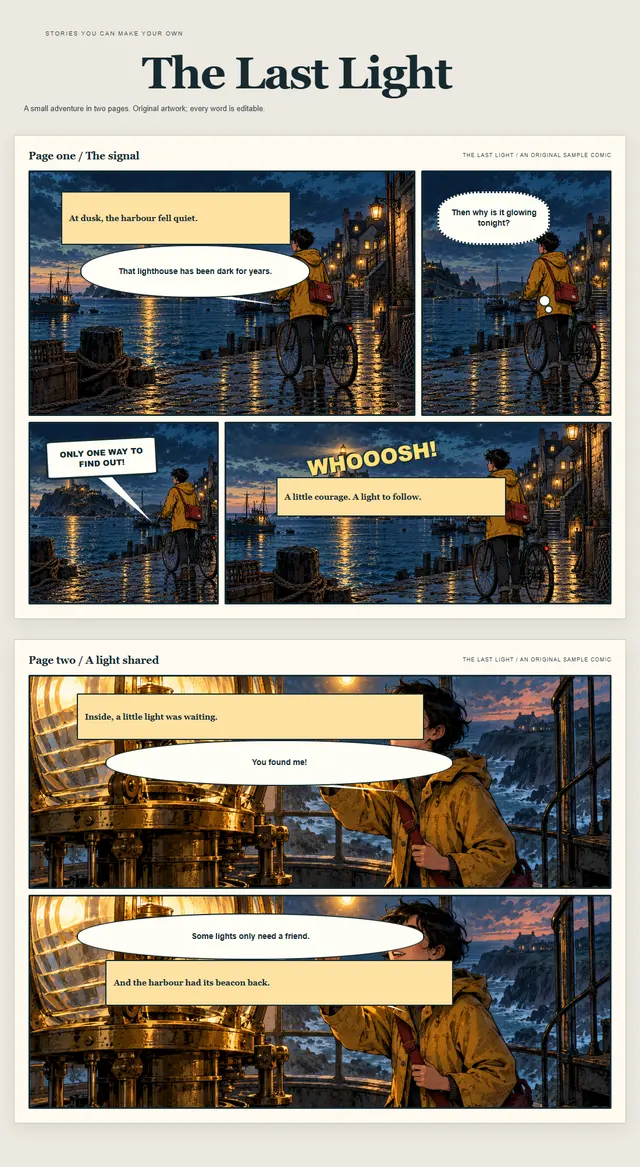 The Last Light complete comicExplore layout
 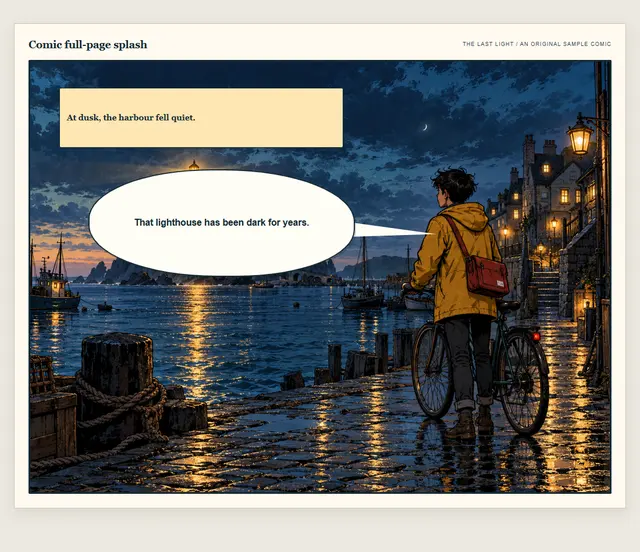 Full-page splashExplore layout
 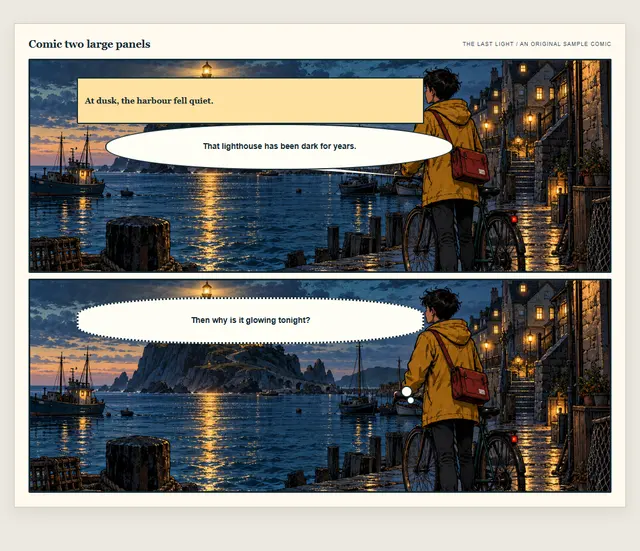 Two large panelsExplore layout
 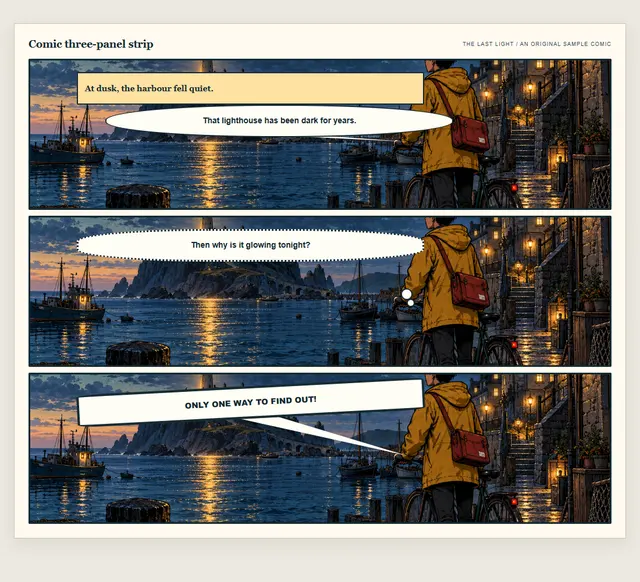 Three-panel stripExplore layout
 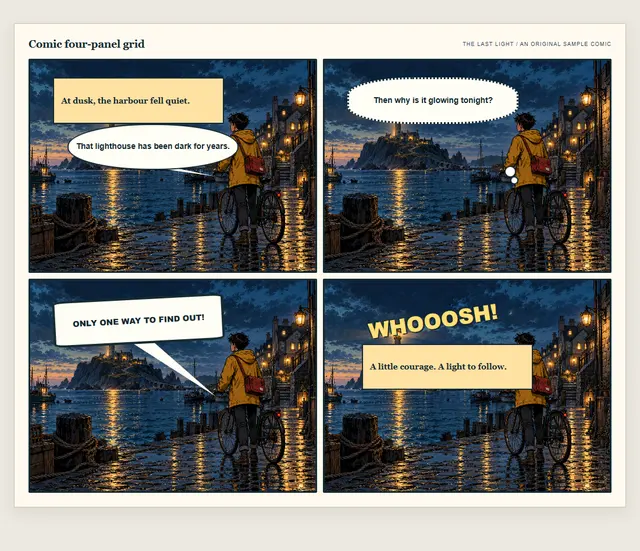 Four-panel gridExplore layout
 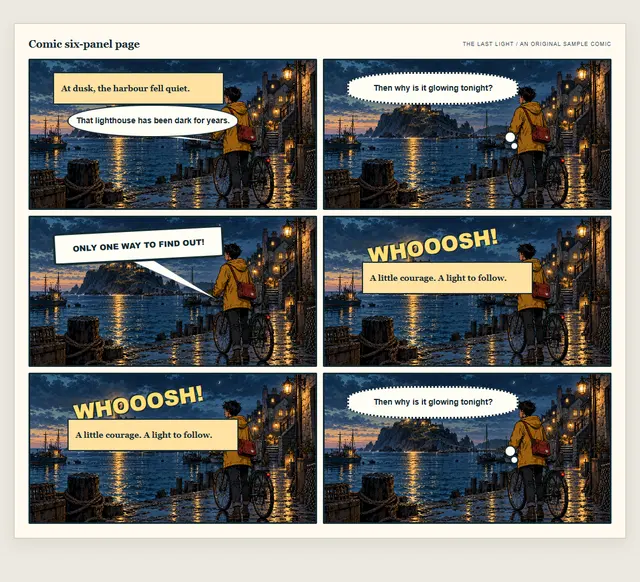 Six-panel pageExplore layout
 See all 7 starting layouts
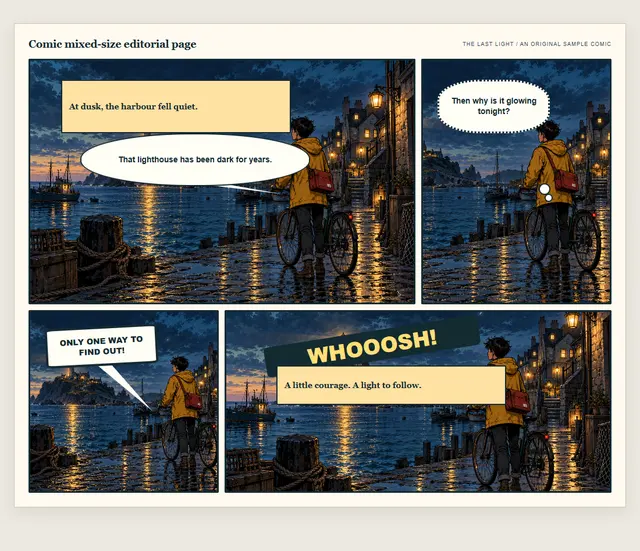
- Choose Comics & cartoons in Useful features.
- Open the cartoon editor and work on a page or panel.
- Add your artwork and dialogue, then read through the result.
YOUR NEXT IDEA STARTS HEREMake something
Make something
worth exploring.
Start with a layout. Add your own words, images and imagination.